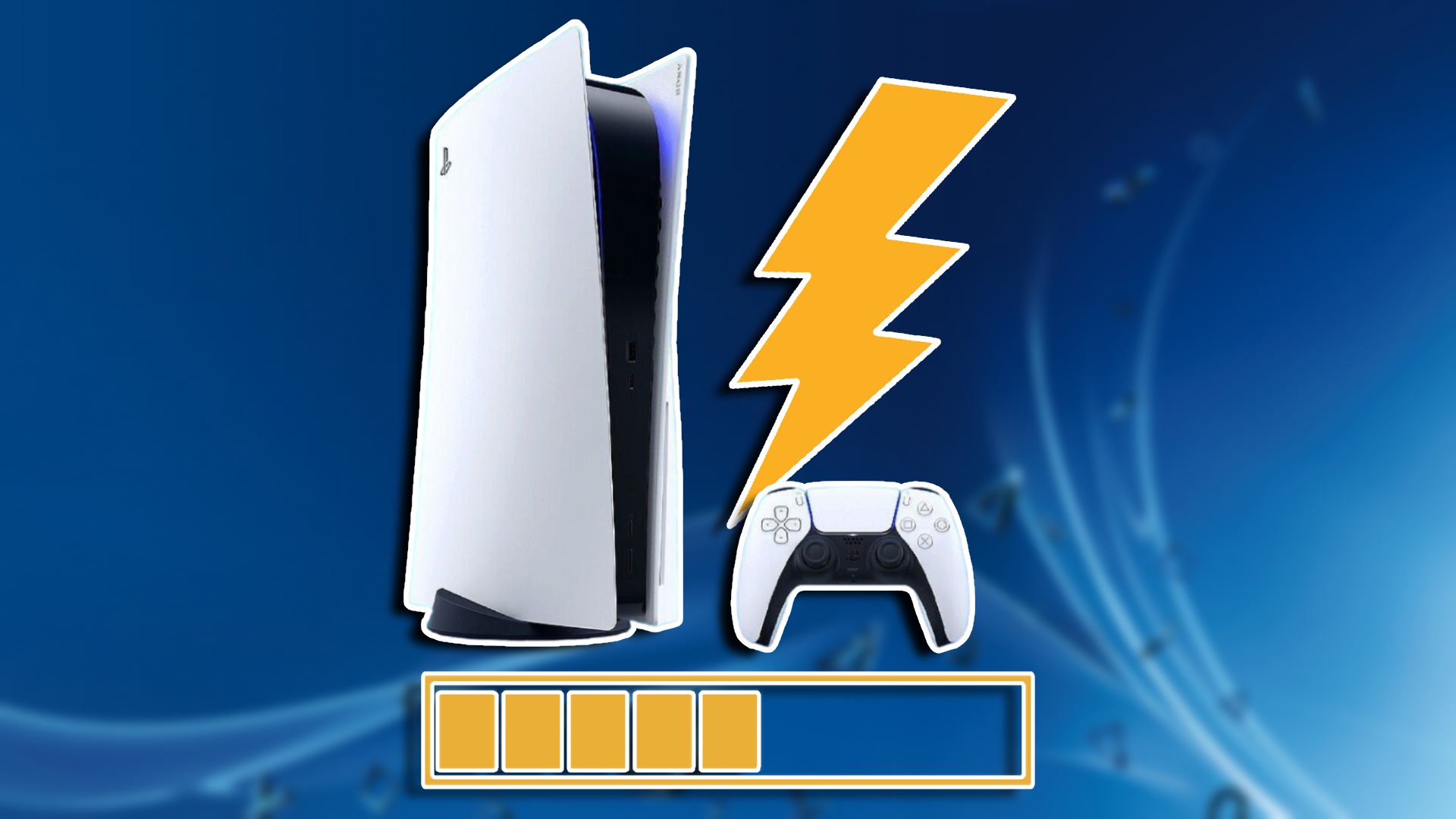
Fixing PS5 lagging with a good internet connection
The PlayStation 5, despite its cutting-edge technology and the promise of smooth, immersive gaming, is plagued by an infuriating issue: lag, even for users with high-speed internet connections. This lag manifests in various ways, from delayed responses to jerky movements and sudden disconnections, creating a frustrating and disruptive experience that undermines the enjoyment of gameplay.
This lag, regardless of a strong internet connection, has significant repercussions for PS5 users. It not only diminishes the immersive quality of gaming but also creates a competitive disadvantage in online multiplayer scenarios. The frustration of lost progress, wasted time, and potential damage to one’s online reputation can lead to a growing dissatisfaction with the console and erode trust in the gaming experience as a whole.
Common Causes
Even with a strong internet connection, several factors can contribute to lag on a PS5:
Console-Specific Issues:
- Overheating: The PS5’s internal components can overheat, especially during demanding games, leading to performance drops and lag.
- Software Bugs: Glitches or errors in the PS5’s system software can interfere with processing speeds and network communication.
- Outdated Firmware: Running an older version of the PS5’s system software may cause compatibility issues with newer games or online services.
- Hard Drive Issues: A full or fragmented hard drive can slow down data access, impacting game performance and causing lag.
- Background Processes: Running multiple applications or downloads in the background can consume system resources and bandwidth, contributing to lag.
Network-Related Issues:
- Wi-Fi Interference: Other devices using the same Wi-Fi frequency can interfere with the PS5’s connection, leading to instability and lag.
- Router Problems: An outdated or malfunctioning router can cause network congestion and inconsistent performance.
- Network Congestion: High traffic on your local network, from other users or devices, can limit the bandwidth available to the PS5.
- ISP Issues: Problems with your internet service provider, such as network outages or maintenance, can temporarily affect your connection quality.
Game-Specific Issues:
- Server Overload: Overcrowded game servers can struggle to handle the volume of players, resulting in lag and connectivity problems.
- Poor Server Optimization: Some games may have poorly optimized servers that are prone to lag, regardless of the player’s internet connection.
- High Ping: Even with a fast connection, a high ping (latency) to the game server can cause noticeable delays in gameplay.
It’s important to note that these are just some of the common causes, and pinpointing the exact source of lag can require further investigation and troubleshooting.
Common Solutions
While pinpointing the exact cause of PS5 lag can be tricky, here are some common solutions that often help alleviate the issue:
Console-Focused Solutions:
- Restart your PS5: A simple reboot can often resolve temporary software glitches or network hiccups that might be causing lag.
- Keep your PS5 cool: Ensure your console has adequate ventilation to prevent overheating. Clean any dust buildup and avoid placing it in enclosed spaces.
- Update your system software: Regularly check for and install the latest PS5 system software updates to ensure optimal performance and compatibility.
- Free up storage space: Delete unnecessary games or apps to free up space on your hard drive, as a full drive can impact performance.
- Rebuild the PS5 database: This can help resolve issues with corrupted data that might be causing system slowdowns and lag.
- Close background applications: Close any unnecessary applications or downloads running in the background to free up system resources.
Network-Focused Solutions:
- Use a wired connection: Connect your PS5 directly to your router with an Ethernet cable for the most stable and reliable connection.
- Optimize your Wi-Fi setup: If using Wi-Fi, ensure your PS5 is positioned close to the router and minimize interference from other devices.
- Restart your router and modem: This can often resolve temporary network issues and improve connection quality.
- Check for network congestion: Limit the number of devices using your network simultaneously, especially during peak hours.
- Contact your ISP: If you suspect an issue with your internet service, contact your provider to check for outages or other problems.
Game-Specific Solutions:
- Check server status: Look for official announcements or online forums to see if the game servers are experiencing issues or undergoing maintenance.
- Try playing at different times: Avoid playing during peak hours when servers are likely to be more congested.
- Choose servers with lower ping: If possible, select game servers that are geographically closer to your location to reduce latency.
Remember, these are general solutions, and the most effective approach will depend on the specific cause of the lag. It may require some troubleshooting and experimentation to find the best solution for your situation.
Share Your Experience
Have you faced this issue before and managed to resolve it successfully? Please comment below and share your experience with fellow gamers to help them overcome this problem completely.
Useful User Experiences
Learn from the experiences of real PS5 users who have encountered this issue and successfully resolved it.
Experience #01
I was struggling with constant lag and getting so frustrated. Then I finally decided to ditch the Wi-Fi and connect my PS5 directly to the router with an Ethernet cable. What a difference! The gameplay is so much smoother now, and I haven’t been disconnected once. I can’t believe I didn’t do this sooner.
Experience #02
I was about to give up, honestly. The lag was driving me crazy. But then I remembered something I read online about restarting your router. I figured it was worth a shot, so I unplugged it, waited a few seconds, and plugged it back in. To my surprise, it actually worked! The lag is gone, and I can finally enjoy playing online again.
Experience #03
I used to have Netflix running in the background while I played, but I started to notice some serious lag. So, I decided to close the app and see if it made a difference. And guess what? It did! Now I make sure to close all unnecessary apps before I start gaming, and the lag is much less noticeable
Experience #04
My PS5 was acting up, with slow loading times and occasional lag. I was getting worried, so I decided to try rebuilding the database. It took a little while, but it was worth it. My console feels like it got a fresh start, and the lag has definitely improved.
Experience #05
noticed my PS5 was getting pretty hot during long gaming sessions, and I wondered if that was contributing to the lag. I moved it to a more open space with better airflow, and I even cleaned out the dust vents. It seems to be running cooler now, and I’ve noticed less lag, especially in those demanding games.
Experience #06
I was having some weird lag issues that I couldn’t figure out. Then I checked for system updates and realized I was a few versions behind. After I updated the PS5 software, the lag disappeared! It must have been some kind of bug that got fixed in the update.
Experience #07
I used to just jump into any online game without thinking about the server. But then I started paying attention to the server status and ping. Now I try to choose servers that are less crowded and closer to my location. It’s made a huge difference in reducing lag and improving my online experience.
Experience #08
My Wi-Fi was pretty unreliable, and I was getting a lot of lag. I realized my router was tucked away in a corner, surrounded by other electronics. I moved it to a more central location and made sure there weren’t too many devices competing for the Wi-Fi signal. The connection is much more stable now, and the lag is way less frequent.
Experience #09
My PS5 was almost full, and I was starting to experience some performance issues, including lag. I decided to delete some games I wasn’t playing anymore and free up some storage space. It’s amazing how much of a difference it made! The console feels snappier, and the lag has definitely decreased.
Experience #10
I was convinced the lag was my internet connection, so I called my ISP. They ran some tests and found some issues on their end. They made some adjustments, and my connection is much more stable now. I’m so glad I reached out to them because the lag is practically gone!