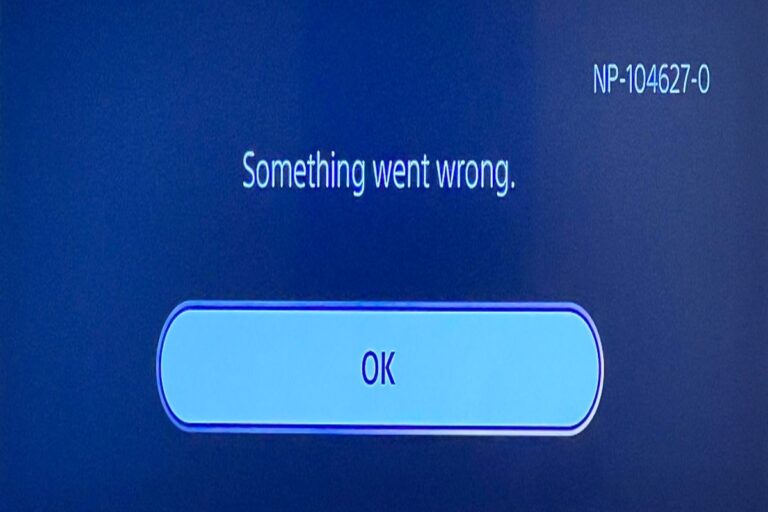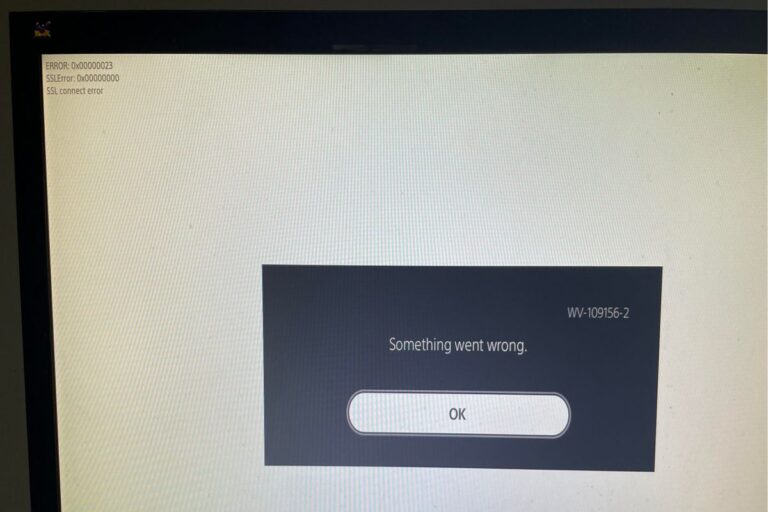
How To Fix PS App Not Working
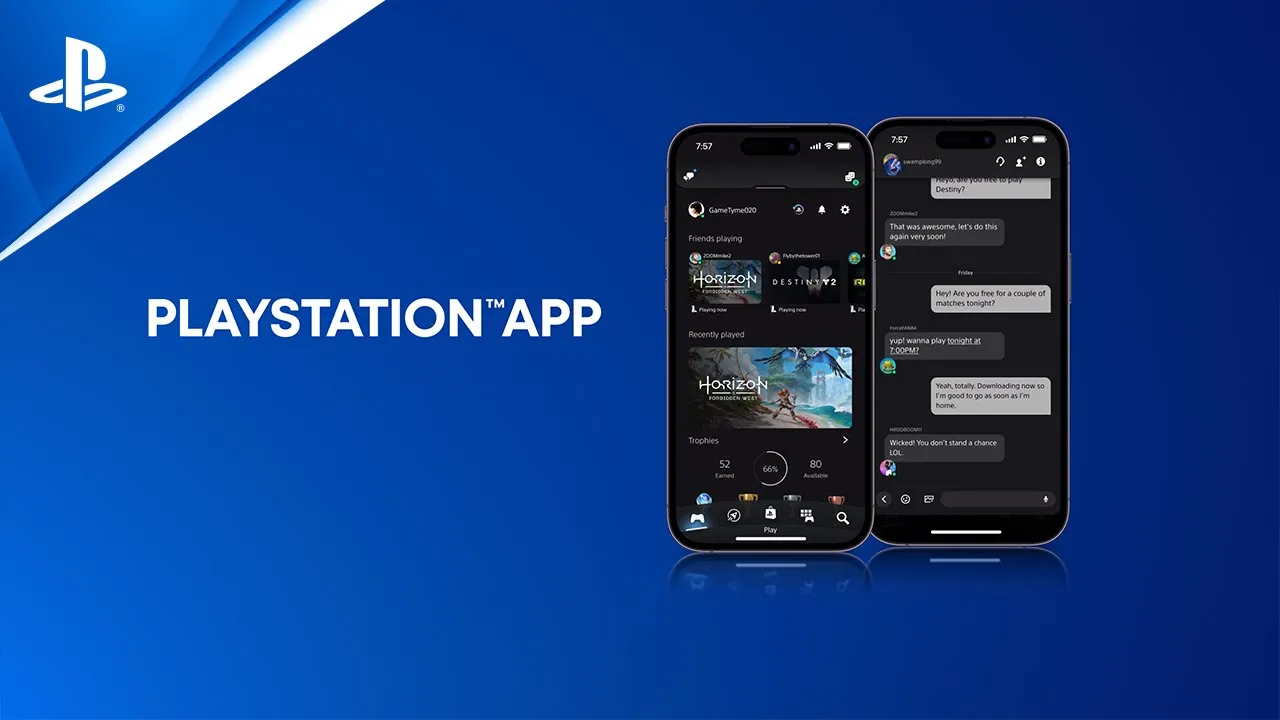
The PlayStation App, a mobile application that allows users to connect with their PlayStation Network (PSN) account and interact with various PlayStation features, can sometimes experience outages or malfunctions. This can be incredibly frustrating for users, preventing them from accessing core functionalities such as messaging friends, managing game downloads, or making purchases on the PlayStation Store.
These disruptions can stem from various factors, including server issues, bugs within the app, or compatibility problems with the user’s device. When the PS App isn’t working, it hinders the overall PlayStation experience, limiting users’ ability to fully engage with the platform and its social features.
Common Causes:
There are a number of reasons why you might be experiencing issues with the PlayStation App. Here are some of the most common causes:
- Server Issues: Sometimes the problem isn’t with your app or device, but with PlayStation Network (PSN) itself. Outages or maintenance can disrupt app functionality.
- Internet Connection Problems: A weak or unstable internet connection can prevent the app from connecting to PSN and loading data correctly.
- App Bugs: Like any software, the PS App can have bugs or glitches that cause it to malfunction.
- Outdated App Version: Using an older version of the app might lead to compatibility issues and prevent it from working properly.
- Device Compatibility: While the PS App is designed to work on various devices, there might be specific compatibility issues with certain operating systems or older devices.
- Cache and Data Issues: Corrupted cache or app data can sometimes interfere with the app’s performance.
- Account Problems: Issues with your PSN account, such as an incorrect password or suspension, can prevent you from logging in and using the app.
If you’re experiencing problems with the PS App, it’s helpful to try and pinpoint the cause so you can find the right solution.
Common Solutions:
The common solutions to this problem involve:
1. Basic Troubleshooting
- Restart your device: This classic fix often resolves temporary glitches.
- Check your internet connection: Ensure you have a stable connection by testing other apps or websites.
- Check PSN server status: See if PlayStation Network is experiencing outages. You can check the official PlayStation website for updates.
2. App-Specific Solutions
- Update the PS App: Make sure you’re using the latest version from your device’s app store.
- Clear app cache and data: This can resolve issues caused by corrupted data.
- Reinstall the PS App: A fresh installation can sometimes fix persistent problems.
3. Account and Device
- Verify your PSN account: Ensure your login credentials are correct and your account is in good standing.
- Update your device’s operating system: An outdated OS might cause compatibility issues.
- Check for device-specific issues: Some devices might have known compatibility problems with the PS App.
4. Advanced Troubleshooting (if basic solutions fail)
- Contact PlayStation Support: They can provide personalized assistance and investigate further.
- Factory reset your device (as a last resort): This will erase all data on your device, so back up important information first.
Remember to try the simpler solutions first before moving on to more drastic measures. If you’re unsure about any of these steps, it’s always best to consult official PlayStation documentation or contact their support team.
Useful User Experiences
Learn from the experiences of real PS5 users who have encountered this issue and successfully resolved it.
Experience #01
I was tearing my hair out! The app just wouldn’t connect. Then I remembered I had my VPN on for another game. Switched it off, and boom, PS App worked perfectly.
Experience #02
For me, it was the darned PS4 itself. I put it in Rest Mode, waited a bit, turned it back on, and suddenly the app on my phone could connect. Weird, but it worked!
Experience #03
It sounds silly, but I was about to give up. Then I logged out of the app, logged into my brother’s account on the same phone, then back to mine. Somehow, that fixed it!
Experience #04
My phone’s battery saver was the culprit! I have an aggressive one that limits background activity. Disabled it, and the PS App started working smoothly again.
Experience #05
I had this problem for weeks! Turns out, there was a tiny PS App update on my PS5 itself that I missed. Updated that, and the phone app connected fine.
Experience #06
My Wi-Fi was playing up. Not just for the PS App, but other things too. Rebooted my router, and everything started working again, including the app.
Experience #07
I thought it was the app, but it was my phone’s date and time! Somehow it got messed up, and that was preventing the app from connecting. Fixed the time, and problem solved.
Experience #08
I’m on iOS, and I noticed the app wasn’t refreshing in the background. Enabled that in the settings, and it’s been much more stable since then.
Experience #09
I tried everything, then out of desperation, I deleted and reinstalled the app. That actually worked! Must have been some corrupted files or something.
Experience #10
None of the usual stuff worked for me. Contacted PlayStation Support, and they guided me through some network settings on my phone. Bit technical, but it fixed the issue!

![The Best Wireless Headsets For PS5 [2025]](https://deepertek.com/wp-content/uploads/2025/01/ps5-headset-768x432.jpg)